Package Publishing

The Package Publishing pane manages the metadata for the current project when it is published as a twinBASIC package, including the package name, version, and description.

When a project isn’t open this will be empty.
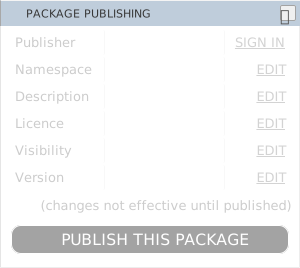
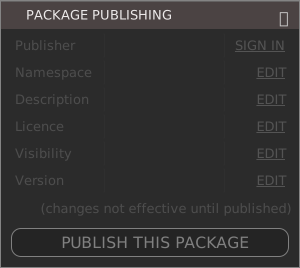
The Package Publishing pane with every value blank. Six labelled rows read Publisher, Namespace, Description, Licence, Visibility and Version, each with an Edit link on the right except Publisher, which offers Sign In. A note says changes are not effective until published, above a greyed out Publish This Package button.The Package Publishing pane with every value blank. Six labelled rows read Publisher, Namespace, Description, Licence, Visibility and Version, each with an Edit link on the right except Publisher, which offers Sign In. A note says changes are not effective until published, above a greyed out Publish This Package button.

Once you open a project whose build type is Package TWINPACK, the pane shows its properties and you can edit them. For any other build type the values stay blank.
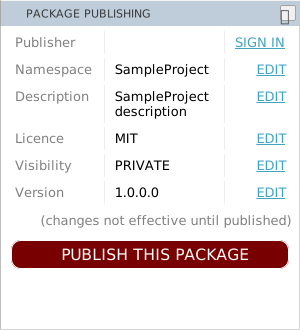
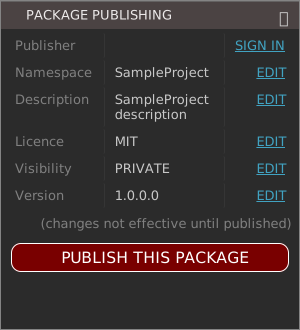
The Package Publishing pane with a package project open and its values filled in: Namespace SampleProject, Description SampleProject description, Licence MIT, Visibility PRIVATE and Version 1.0.0.0. Publisher still offers Sign In, and the Publish This Package button is now enabled.The Package Publishing pane with a package project open and its values filled in: Namespace SampleProject, Description SampleProject description, Licence MIT, Visibility PRIVATE and Version 1.0.0.0. Publisher still offers Sign In, and the Publish This Package button is now enabled.

Click the “EDIT” and this will open the Project Settings